
This is a placeholder case study. Its job is to exercise every part of the template at once so the layout can be tuned without guessing. The first paragraph is deliberately a little longer than the rest so the lede treatment has something to work with.
The body measure is the thing doing most of the work here. At roughly 38rem it keeps line lengths inside the range the eye finds easy, and it creates a wide left and right margin that figures and pull-quotes can break out into when they need to command more attention.
The problem
Every case study I’ve ever written has had the same shape: a thing I made, the context that gave it urgency, the decisions that turned out to matter, and the ones that didn’t. The template has to hold all of that without getting in the way.
I wanted the page to feel more like an essay than a portfolio piece — closer to how Frank Chimero and Craig Mod handle long-form project writing than the usual grid-of-screenshots treatment.
The way we see the problem is the problem.
That quote isn’t load-bearing — it’s here to show how a pull quote breaks out of the body measure and hangs slightly off the left edge. Pull quotes are set in Fenix at display size and are capped at about twenty characters per line, which keeps them feeling like a pause rather than another paragraph.
Process
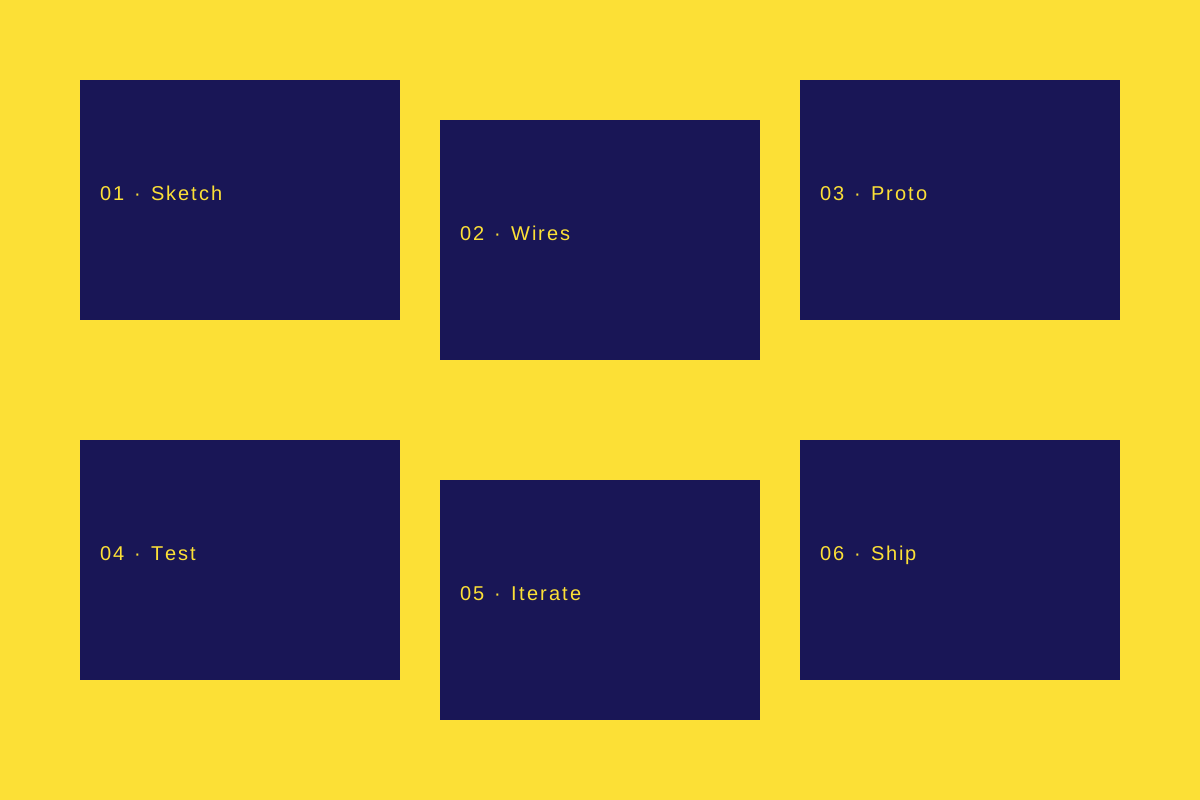
The six-step cycle below is the kind of thing every designer has drawn
at least once, and every designer wishes they hadn’t. It’s here as a
wide figure so you can see how wide images break out of the body
measure up to the main container width.
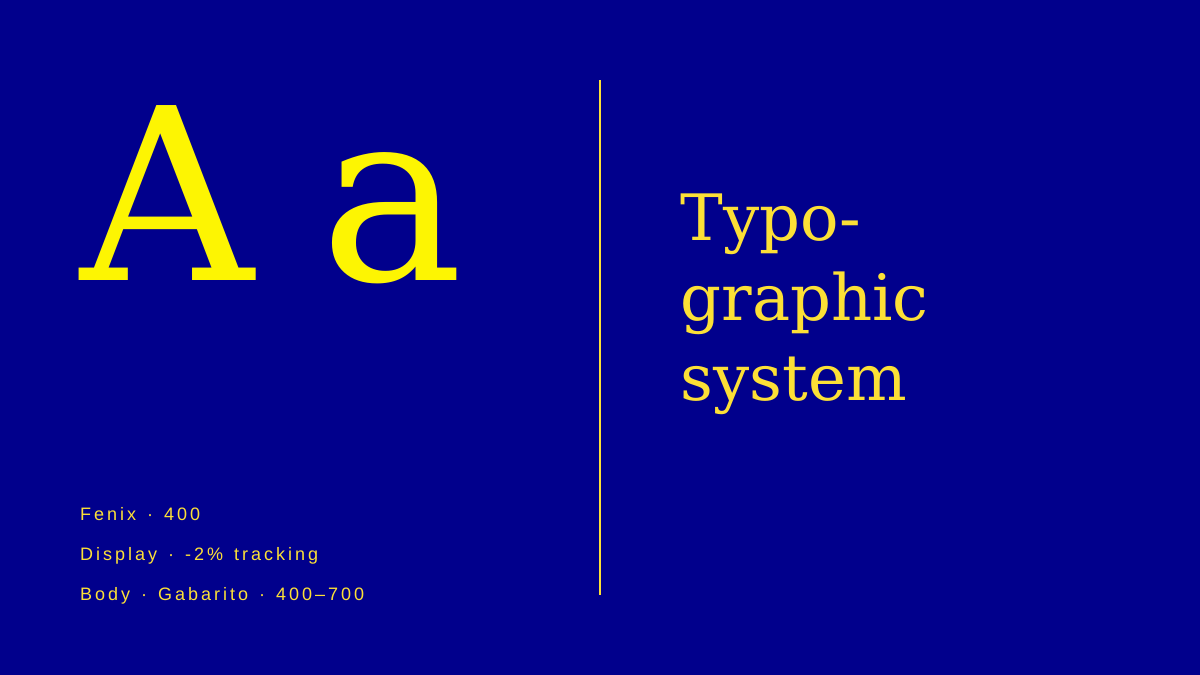
For contrast, an inline figure stays within the body measure. Use these for screenshots, diagrams, and anything that shouldn’t demand the full width of the spread.
A shorter detour
Headings below h2 get progressively quieter. h3 is still serif but drops a step in size; h4 stays at the lede size but loses the serif. Below that, h5 and h6 are rarely needed inside a case study — if you’re reaching for them, the structure is probably wrong.
Lists work too:
- Hanging bullets inside the body measure.
- One item per line, short leading between them.
- Ordered lists get numeric prefixes the same way.
And blockquotes in raw markdown render as a quieter indented block,
distinct from the <PullQuote> component — hierarchy comes from family
and colour, not from a rule:
A regular blockquote is quieter than a pull quote. It keeps the body rhythm but marks a source. Use it for cited excerpts, not for emphasis.
Video
Video embeds use the same width modes as figures. The one below is a placeholder from the MDN HTML5 test assets — no YouTube cookies, no third-party tracking.
Closing thought
The template is meant to disappear. If a reader gets to the end of a case study having noticed only the work and the writing — not the measure, not the marker highlights, not the way the hero breaks full width — the template has done its job.